SKU: SF-2443-FB3J
Categories: Spare Parts, Electronics
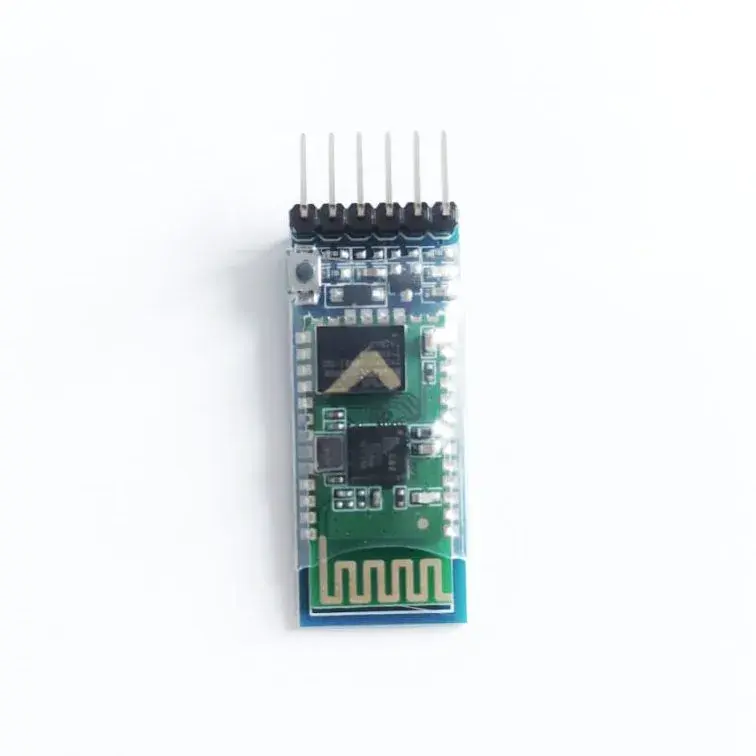
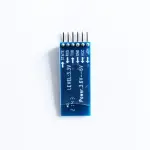
The HC-05 Bluetooth module is widely used in applications such as wireless headsets, game controllers, wireless mice, keyboards, and many other consumer electronic devices. It operates based on the IEEE 802.15.1 Bluetooth standard, enabling the creation of a Wireless Personal Area Network (PAN). The module uses Frequency-Hopping Spread Spectrum (FHSS) technology to transmit data wirelessly.
Communication with other devices is done through serial communication, as the HC-05 connects to microcontrollers via the USART (UART) interface.
Bluetooth serial modules like HC-05 allow serial-based devices to communicate wirelessly using Bluetooth technology.
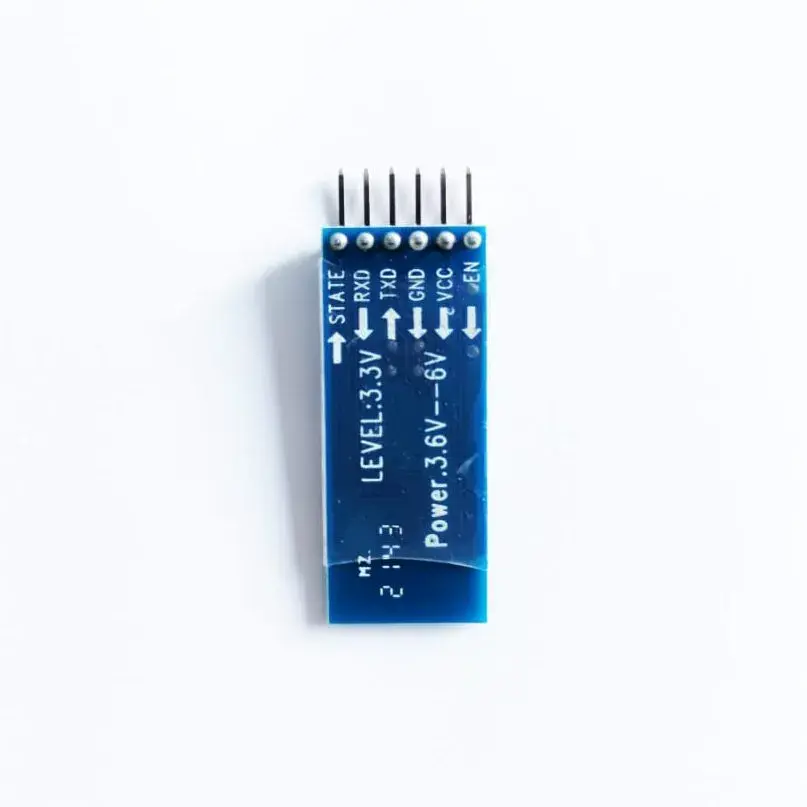
The HC-05 module has six pins:
The HC-05 module includes a red LED that indicates its connection status. When the module is not connected, the LED blinks continuously. Once a Bluetooth connection is established, the blinking slows to once every two seconds.
Although the HC-05 operates internally at 3.3 V, it can safely accept a 5 V power supply due to its built-in voltage regulator. The TX and RX pins operate at 3.3 V logic levels, which are typically recognized by most microcontrollers. Therefore, no level shifting is required from the HC-05 to the microcontroller. However, level shifting is required when sending signals from a 5 V microcontroller to the HC-05 RX pin.
Once connected, data typed on the smartphone is transmitted wirelessly to the HC-05 and forwarded via serial communication to the PC, where it appears on the terminal. Similarly, data sent from the PC can be received on the smartphone.
Command mode is used to modify the HC-05 configuration, such as changing the device name, baud rate, or pairing password. This is done using AT commands.
To enter command mode:
The HC-05 must be connected to a PC through a USB-to-serial converter, and AT commands are sent via a serial terminal application.
Your email address will not be published. Required fields are marked *
Please login to write review!
Looks like there are no reviews yet.